

ZetaRank StoreGuard for WooCommerce
Protect WooCommerce account forms with CAPTCHA, bot checks and brute-force safeguards.
See ZetaRank StoreGuard for WooCommerce.
Official product artwork published by the plugin author on WordPress.org.
Real dashboard screenshots
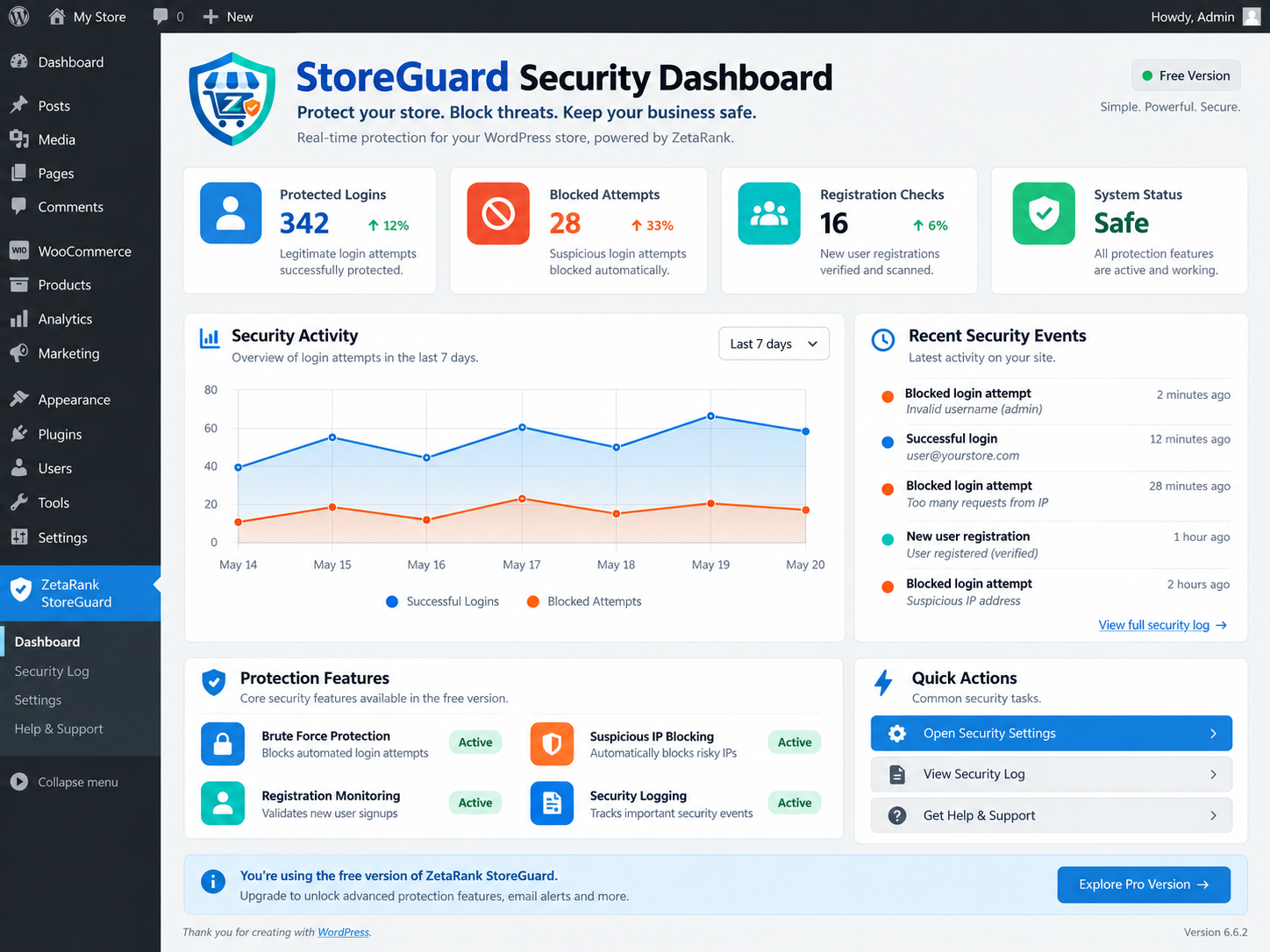
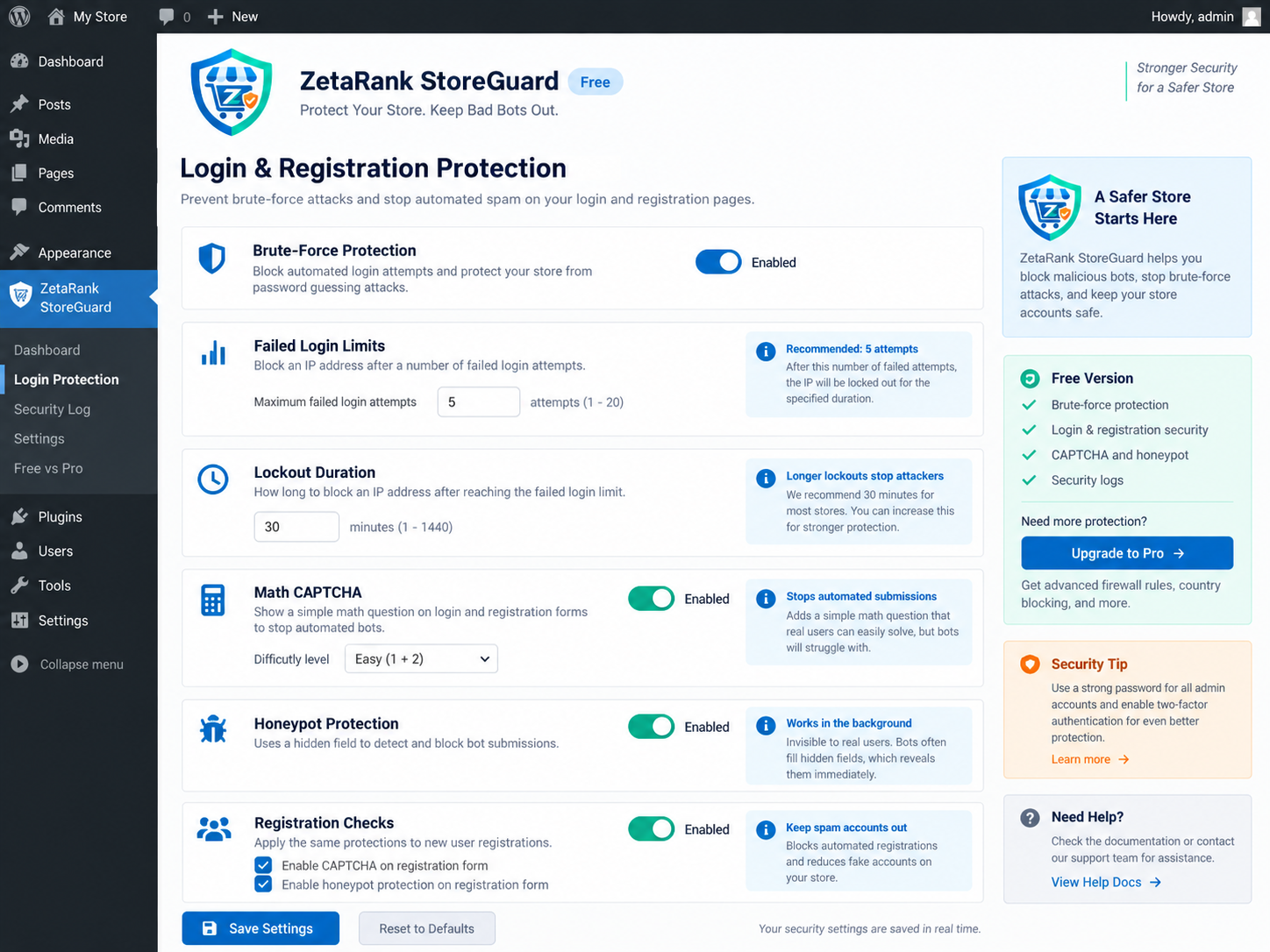
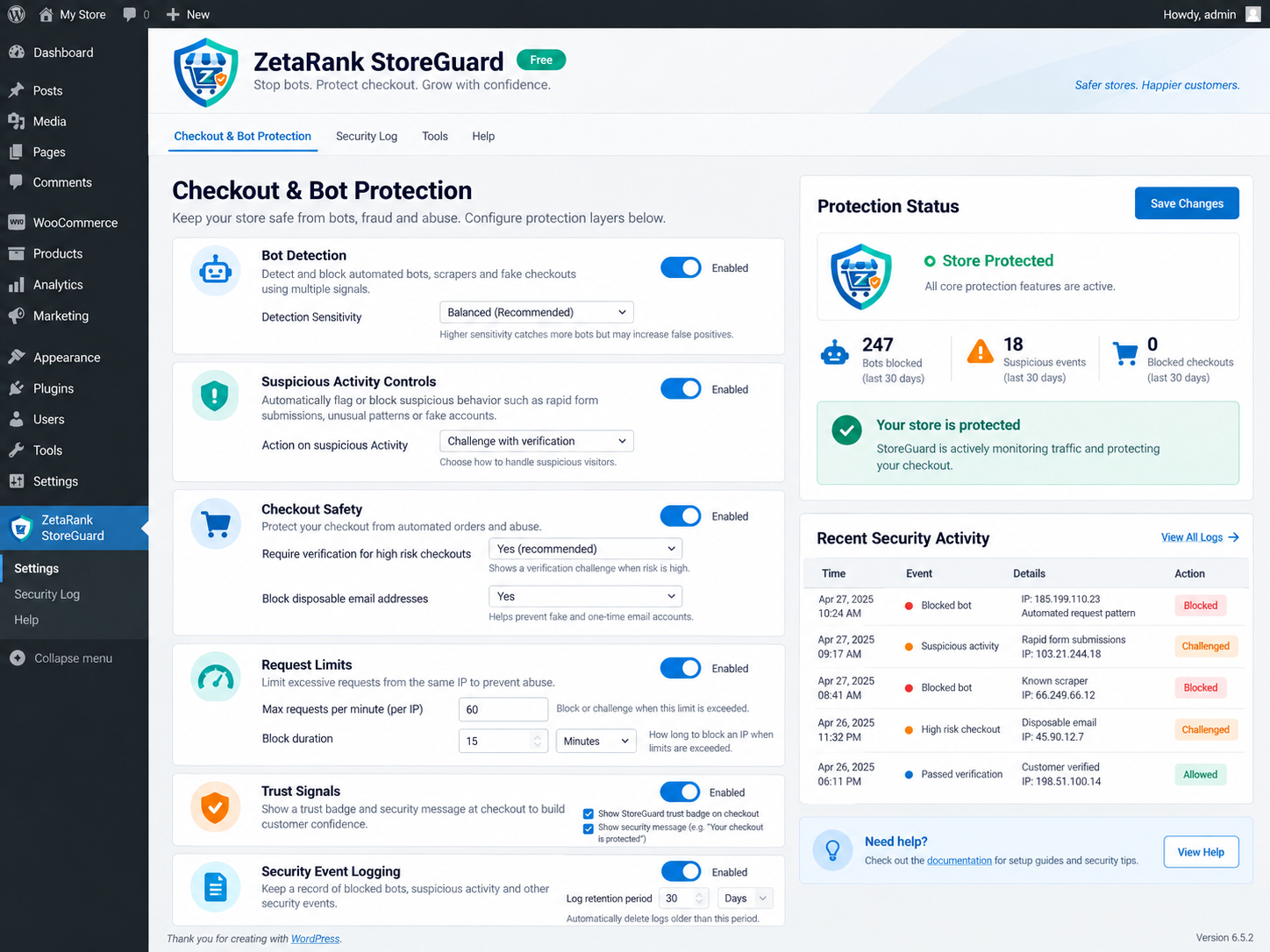
Images are loaded from the WordPress.org media CDN; availability may change as the plugin is updated.
Everything you need to know about ZetaRank StoreGuard for WooCommerce.
The free ZetaRank StoreGuard plugin helps protect WooCommerce customer login, registration and lost-password forms with a local math CAPTCHA, honeypot, minimum form-fill time checks and configurable login lockouts. Checkout-specific protections are part of StoreGuard Pro, not the free plugin.
Customer account protection
Protect login, registration and password-reset forms.
Local math CAPTCHA
Bot challenge without an external API key.
Brute-force protection
Temporarily lock out excessive failed login attempts.
WooCommerce-aware
Designed for WooCommerce accounts and declared HPOS compatibility.
Key features at a glance
Protect login, registration and password-reset forms.
Bot challenge without an external API key.
Temporarily lock out excessive failed login attempts.
Designed for WooCommerce accounts and declared HPOS compatibility.
ZetaRank StoreGuard for WooCommerce FAQs
What does ZetaRank StoreGuard for WooCommerce do?
Protect WooCommerce account forms with CAPTCHA, bot checks and brute-force safeguards. The free ZetaRank StoreGuard plugin helps protect WooCommerce customer login, registration and lost-password forms with a local math CAPTCHA, honeypot, minimum form-fill time checks and configurable login lockouts. Checkout-specific protections are part of StoreGuard Pro, not the free plugin.
Where can I install this plugin?
Install it directly from the official WordPress.org plugin directory or through your WordPress site's Plugins screen.
Does this plugin require WooCommerce?
Yes. This plugin is intended for WooCommerce sites, so WooCommerce needs to be active.
Is there a free version?
Yes. The WordPress.org plugin listing provides the free edition. Check the listing for supported features and version information.
Explore ZetaRank StoreGuard for WooCommerce.
Find official downloads, changelogs, installation instructions and support details.